
Turn Manual Tasks into Automated Workflows
Your most valuable asset is your time, and Syncro’s scripting engine saves you a lot of it. Build, deploy, and schedule complex automations that keep your organization secure and execute tasks without manual intervention.

Orchestrate at Scale
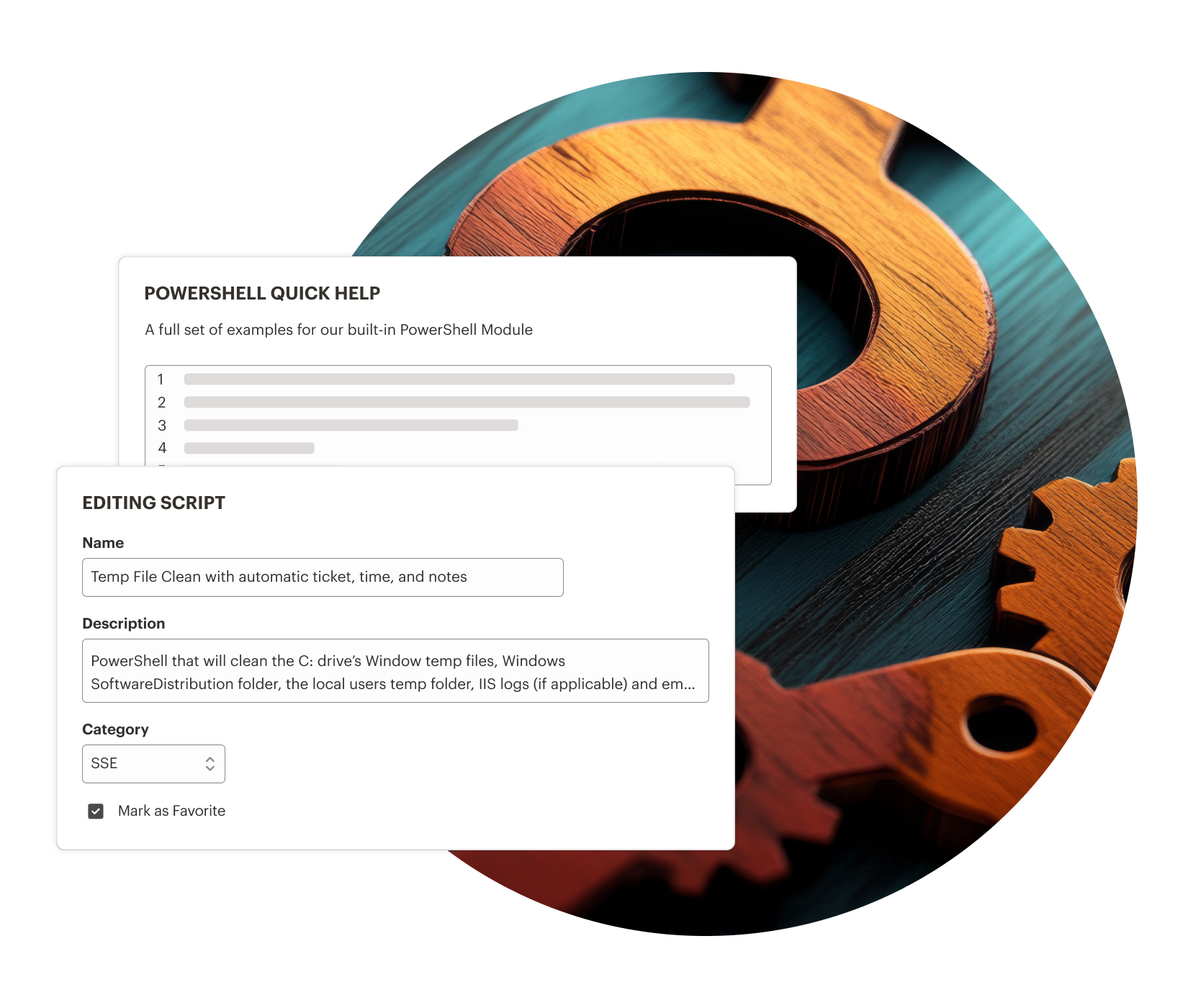
Execute complex logic across thousands of endpoints. Deploy software, run updates, and manage configurations globally from a single interface.

Automate Security Remediations
Identify and fix security drift automatically. Use custom scripts to shut down vulnerabilities and enforce compliance the moment an alert is triggered.

Community-Powered Automation
Access hundreds of proven, pre-built scripts shared by Syncro experts and other users. Instantly deploy common fixes and workflows without writing a single line of code.
Precision Control. Infinite Scale.
Syncro’s scripting engine is built for IT departments that need granular control. It allows you to act on real-time data to maintain a secure and productive environment.
Flexible Execution
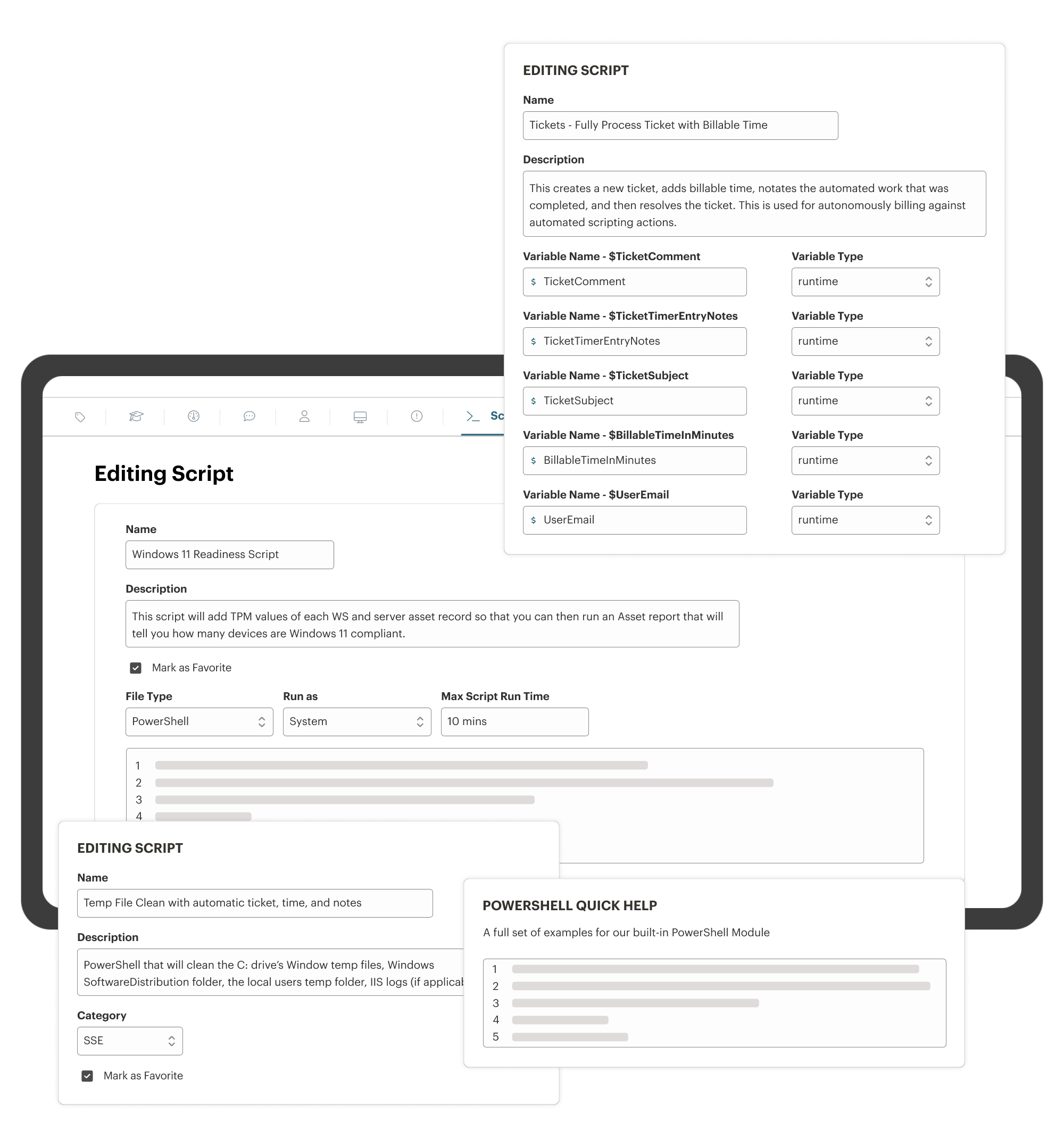
Run scripts on-demand, on a recurring schedule, or trigger them automatically based on specific system alerts and health checks.
Support for Multiple Script Languages
Syncro supports PowerShell, Batch, VBScript, and Mac Bash — giving IT teams the flexibility to automate tasks using the languages you’re most comfortable with.
Variable Support
Use runtime variables to customize script behavior for different departments, office locations, or user groups without having to rewrite code.
Bulk Actions & Filtering
Instantly find devices with specific specs or drivers and use attribute-based filtering to target endpoints for immediate, automated action.

Clone Your Expertise
Stop manually performing the same fixes. Build sophisticated automation and deploy it to thousands of endpoints, ensuring your best technical solutions are applied globally without requiring additional manual intervention.

Self-Healing Support
Fix issues before the help desk even knows they exist. Use automated remediation scripts triggered by system alerts to resolve common failures (e.g., service crashes or disk space issues) quietly in the background.

Transform Data Into Action
Scripting isn’t just for fixing things — it’s for knowledge. Use custom scripts to pull deep, specialized telemetry from your endpoints that other tools can’t, giving you the data needed to make informed decisions about your infrastructure.
Clone Your Expertise
Stop manually performing the same fixes. Build sophisticated automation and deploy it to thousands of endpoints, ensuring your best technical solutions are applied globally without requiring additional manual intervention.
Self-Healing Support
Fix issues before the help desk even knows they exist. Use automated remediation scripts triggered by system alerts to resolve common failures (e.g., service crashes or disk space issues) quietly in the background.
Transform Data Into Action
Scripting isn’t just for fixing things — it’s for knowledge. Use custom scripts to pull deep, specialized telemetry from your endpoints that other tools can’t, giving you the data needed to make informed decisions about your infrastructure.

“The scripting and automated tasks are really useful… you can add value without taking up technician’s time. For example, whenever a machine is detected to have less than 10% hard drive space Syncro runs our ‘clear temp files’ script and logs a ticket with time added. This means none of our clients will ever run out of space and we’re still tracking the time [we] worked on it.”
– Mark B., Business Owner
SYNCRO RESOURCES
PowerShell Automation Scripts: Efficiency Hacks for IT Professionals
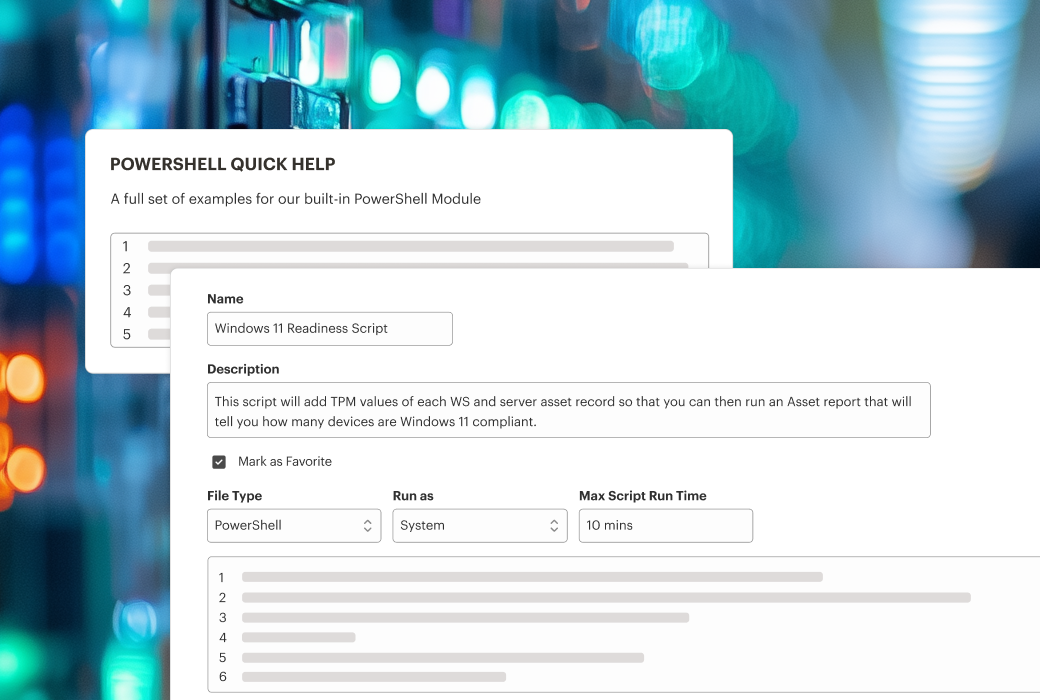
Learn how you can use PowerShell automation scripts to handle routine tasks and free up more time for your technicians.

Batch Scripting: Is it Still Relevant in 2026?
Learn how batch scripting compares to PowerShell and VBScript, and how IT departments can use scripting within IT management workflows.
PowerShell vs CMD: A Quick Reference Guide
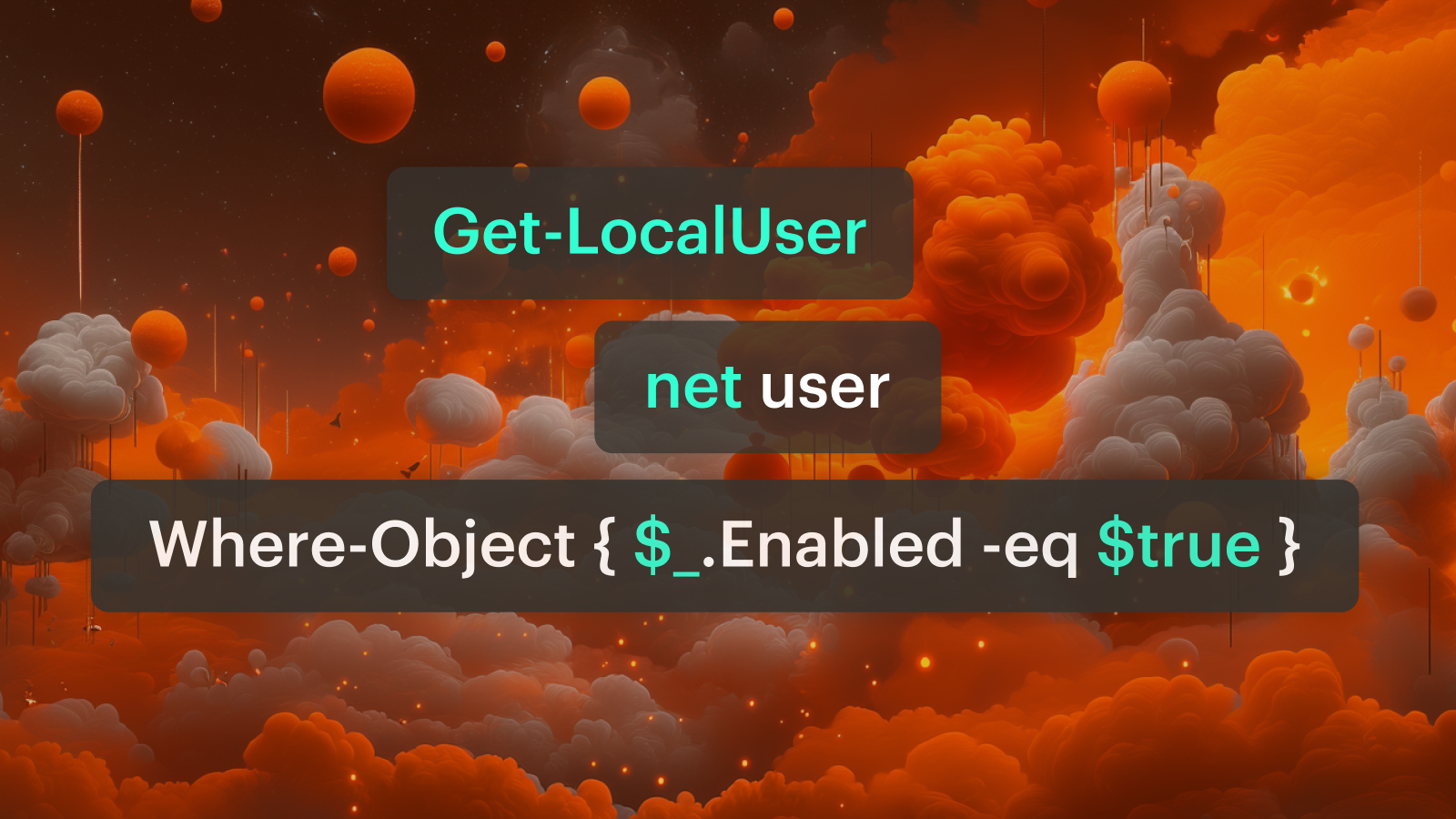
Get a refresher on best use cases for PowerShell and CMD, examples that help you tackle IT tasks, and find out how to improve your scripting capabilities.
Frequently Asked Questions
Syncro supports the most common languages used by IT professionals, including PowerShell, VBScript, and Batch for Windows, as well as Shell scripts for macOS.
Yes. You can schedule scripts to run at specific times, during designated maintenance windows, or on a recurring basis to ensure updates occur when they least impact organizational productivity.
Yes. Syncro features a robust Community Script Library where IT Syncro team members and other users share proven scripts for common tasks, which you can easily import and customize for your own environment.
No. Syncro’s cloud-native architecture allows you to deploy scripts to any managed device with an active internet connection, ensuring your remote and hybrid workforce stays secure without VPN overhead.
Nope! You can run as many scripts as needed across an unlimited number of agents and servers without increasing your monthly costs.

Start Your Free Trial with Syncro Today
Gain instant access. Go live in just a few clicks and master core features with guided onboarding. No heavy setup required.

Start Your Free Trial with Syncro Today
Gain instant access. Go live in just a few clicks and master core features with guided onboarding. No heavy setup required.